
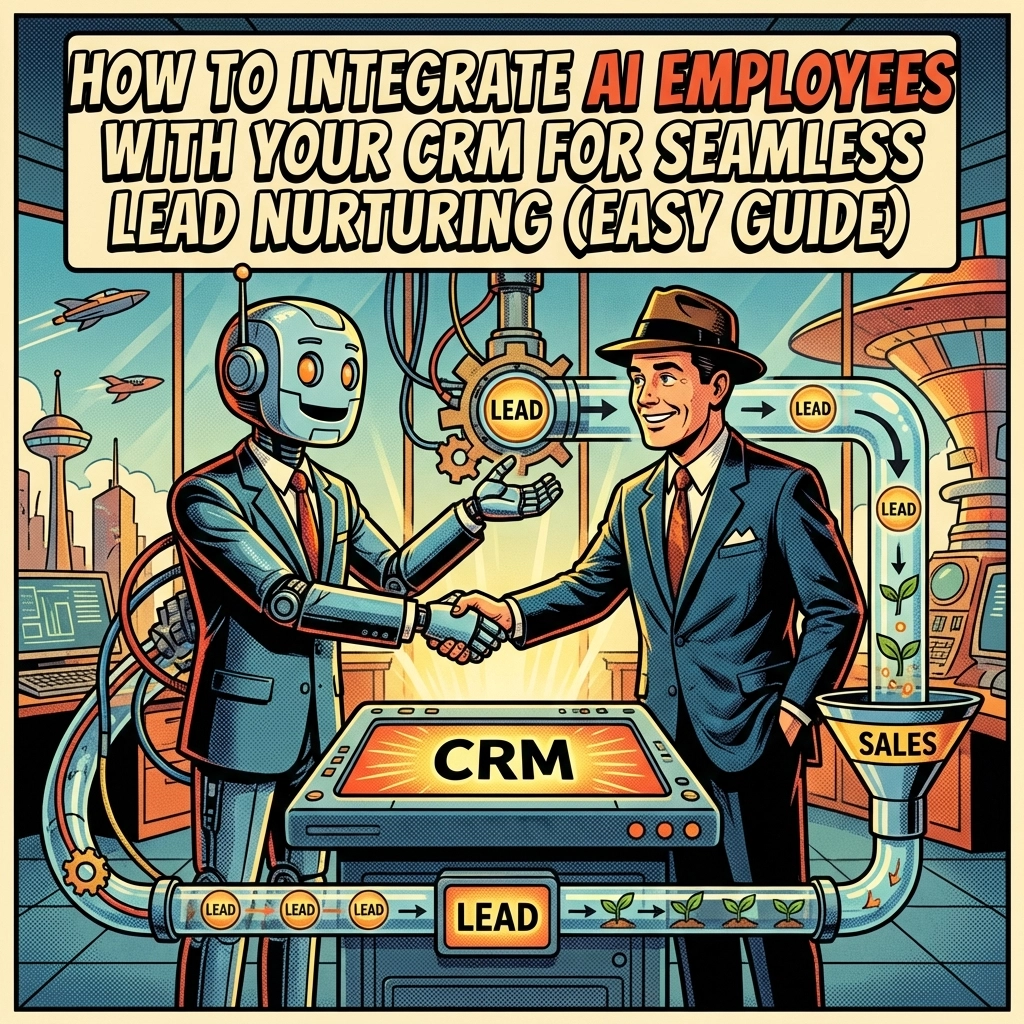
How to Integrate AI Employees With Your CRM for Seamless Lead Nurturing (Easy Guide)
Running a small business in Vancouver is no joke. Between managing your team, serving customers, and trying to grow your client base, who has time to manually follow up with every single lead that comes through your website?
Here's the thing: most leads don't convert on the first touch. They need nurturing. They need follow-ups. They need personalized attention. And that's exactly where AI employees come in to save the day.
If you've been curious about how to connect AI tools with your CRM for better lead nurturing, you're in the right place. This easy guide breaks it all down, no tech degree required.
What Exactly Are AI Employees?
Before we dive into the how-to stuff, let's get clear on what we're talking about.
AI employees are automated systems that handle tasks traditionally done by humans. Think of them as tireless digital team members who can send emails, qualify leads, update your CRM, schedule appointments, and follow up with prospects, all without coffee breaks.
For Vancouver SMBs, AI employees are game-changers. They help you compete with bigger companies without needing to hire a massive sales team. A skilled digital marketing agency in Vancouver can help you set these systems up, but understanding the basics yourself is always a good idea.

Why Your CRM Needs an AI Upgrade
Your CRM (Customer Relationship Management system) is where all your lead data lives. Names, emails, phone numbers, past interactions, it's all there. But here's the problem: that data is useless if nobody acts on it.
Most small business owners we talk to have the same complaint: "We have leads in our CRM, but we don't have time to follow up properly."
Sound familiar?
When you integrate AI employees with your CRM, you create a system that:
- Automatically follows up with new leads within minutes
- Scores leads based on their likelihood to convert
- Personalizes messages based on lead behavior and preferences
- Alerts your sales team when a hot lead is ready to talk
- Keeps your data clean and up-to-date
It's like having a sales assistant who works 24/7 and never forgets a single detail.
Step 1: Clean Up Your CRM Data First
Before you bring AI into the mix, you need to make sure your CRM is in good shape. Garbage in, garbage out, right?
Here's your quick cleanup checklist:
- Remove duplicate contacts. Multiple entries for the same person confuse AI systems and mess up your reporting.
- Update outdated information. Old phone numbers and defunct email addresses waste everyone's time.
- Fill in missing fields. The more data your AI has to work with, the smarter its decisions will be.
- Segment your leads. Group contacts by industry, location, company size, or where they are in the buying journey.
For Vancouver businesses targeting specific industries, like contractors, realtors, or law firms, good segmentation is crucial. It lets your AI deliver hyper-relevant messages instead of generic blasts.

Step 2: Choose the Right AI Tools
Not all AI platforms play nicely with every CRM. Before you commit to anything, check compatibility.
Most modern AI lead nurturing tools integrate with popular CRMs like HubSpot, Salesforce, Zoho, and GoHighLevel. Look for platforms that offer:
- Native integrations or robust APIs for seamless data flow
- Bidirectional syncing so updates go both ways automatically
- Predictive lead scoring powered by machine learning
- Multi-channel outreach (email, SMS, social media)
If this sounds overwhelming, don't worry. Working with an AI expert or a digital marketing agency in Vancouver can simplify the process significantly. They've done the heavy lifting before and know which tools work best for local SMBs.
Step 3: Connect Your AI Platform to Your CRM
Once you've picked your tools, it's time to connect them. Here's the general process:
- Log into your AI platform and navigate to the integrations section.
- Select your CRM from the list of available connections.
- Authorize the connection by logging into your CRM and granting permissions.
- Map your data fields so the AI knows which CRM fields correspond to which information (name, email, lead source, etc.).
- Enable real-time syncing so changes in one system automatically update the other.
Most platforms make this pretty straightforward with step-by-step wizards. But if you hit a snag, don't hesitate to reach out to customer support, or call in an expert.

Step 4: Set Up Your Lead Nurturing Workflows
Now for the fun part: building your automated workflows.
Think of a workflow as a series of "if this, then that" rules. For example:
- If a new lead fills out your contact form, then send a welcome email within 5 minutes.
- If a lead opens your email but doesn't reply, then send a follow-up SMS after 24 hours.
- If a lead visits your pricing page twice, then alert your sales rep to call them.
The beauty of AI-powered workflows is that they adapt based on lead behavior. Traditional automation sends the same sequence to everyone. AI looks at engagement patterns and adjusts timing, messaging, and channels dynamically.
For Vancouver businesses running Google Ads or LinkedIn Ads, this means your ad spend works harder. Leads get nurtured properly instead of going cold in your CRM.
Step 5: Train Your AI With Your Brand Voice
Here's something a lot of people skip: teaching your AI how to sound like you.
Generic AI messages feel… well, generic. And your leads can tell.
Take time to feed your AI platform:
- Examples of your best emails (the ones that got replies)
- Your brand tone guidelines (friendly? professional? casual?)
- Common objections and how you handle them
- Case studies and success stories to reference
The more context you give, the more natural and effective your AI communications become.
Step 6: Establish Hand-Off Rules to Your Sales Team
AI employees are amazing at nurturing leads, but humans still close deals. You need clear rules for when a lead gets handed off to a real person.
Common hand-off triggers include:
- Lead replies asking to speak with someone
- Lead reaches a certain engagement score threshold
- Lead books a meeting through your scheduling link
- Lead visits high-intent pages (like pricing or contact)
When these triggers fire, your CRM should automatically notify the right salesperson and provide full context on the lead's history. No more scrambling to figure out who this person is or what they're interested in.

Real Benefits for Vancouver Small Businesses
So what does all this mean for your bottom line?
Local Vancouver businesses using AI-integrated CRM setups report:
- Faster response times (leads get contacted in minutes, not days)
- Higher conversion rates (personalized nurturing builds trust)
- Less manual work (your team focuses on closing, not chasing)
- Better lead quality (AI scoring prioritizes the right prospects)
- Improved ROI on ads (no more wasted leads from PPC campaigns)
Whether you're a plumber in East Van, a realtor in Kitsilano, or a lawyer downtown, these benefits translate directly to more revenue with less headache.
Ready to Get Started?
Integrating AI employees with your CRM doesn't have to be complicated. Start with clean data, choose compatible tools, build smart workflows, and train your AI to sound like you.
If you'd rather skip the learning curve and get straight to results, Quality Lead Generation specializes in CRM setup and AI automation for Vancouver small businesses. We'll handle the tech so you can focus on what you do best: running your business.
Got questions? Drop us a line. We're always happy to chat.
